
Choose your book layout
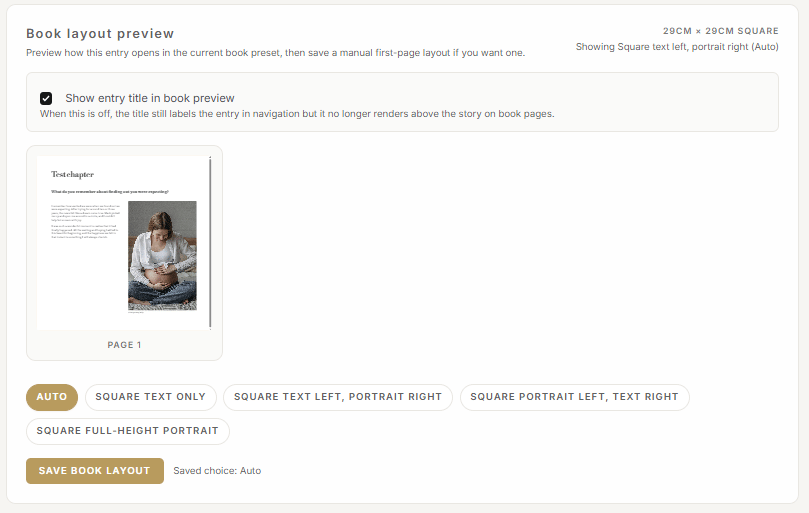
In the ‘Entry’ screen below the section for recording/typing your story is a section titled ‘Book layout preview’.
You can choose to show the entry title above the entry or by unticking the box you can hide the entry title.
Layout options vary depending on the volume of text and number and orientation of photos you have uploaded. As you click on each option the layout will change in the preview window.
Once you have found the layout you’d like to use select ‘Save book layout’.