Write your entry
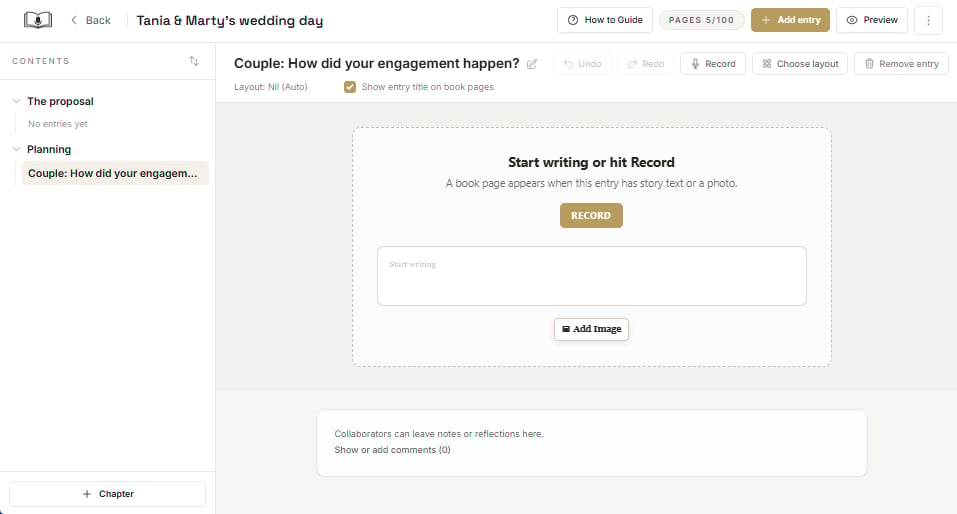
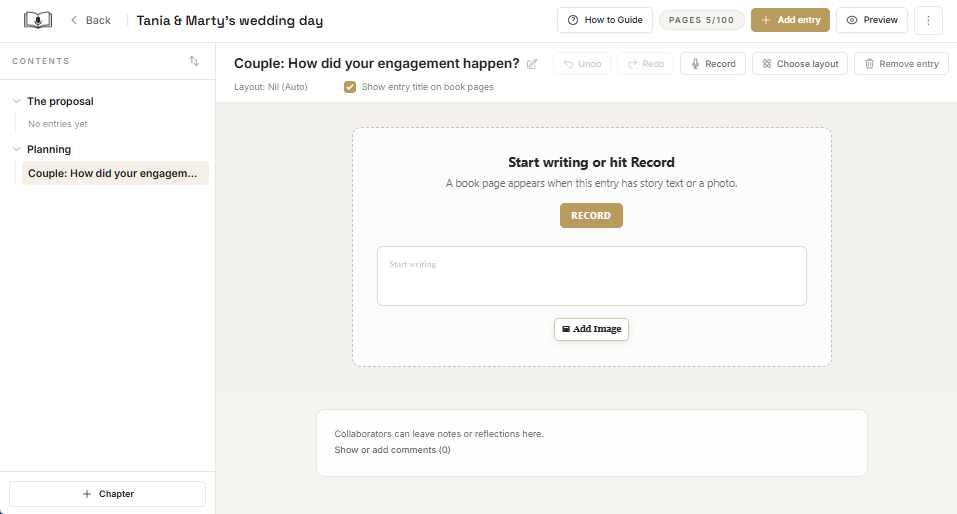
To write your entry (rather than record yourself speaking), click on the ‘Start writing’ field and a preview of the book page will open up. You can type your content directly into the page.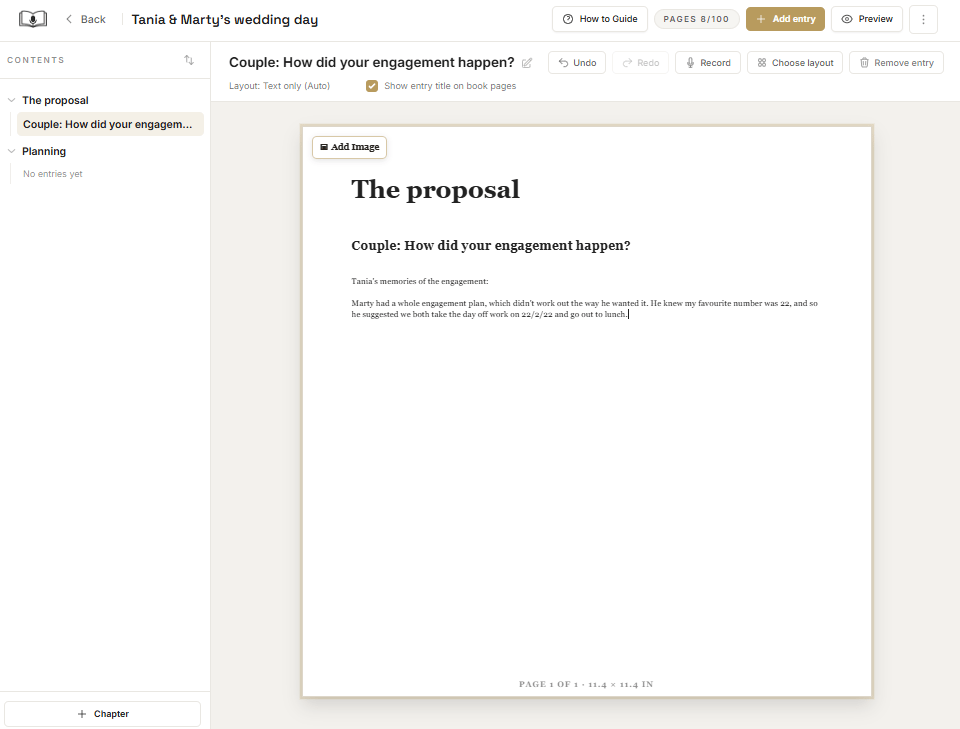
Record an entry
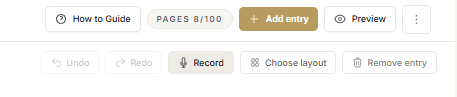
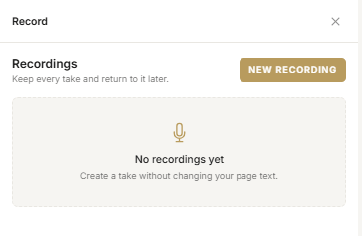
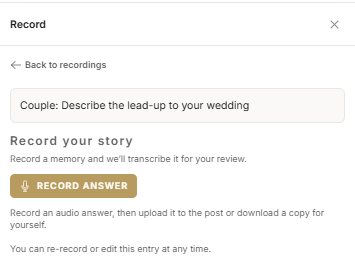
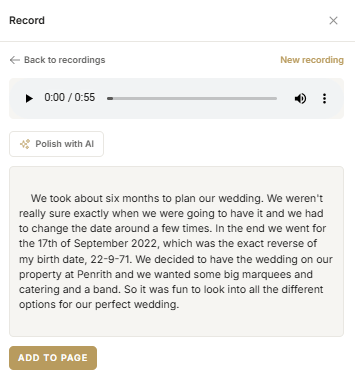
You can add recorded content to a written entry by selecting ‘Record’ from the ribbon.