Create a new entry
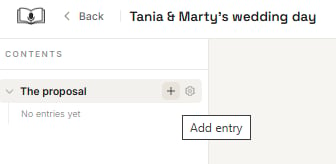
There are two ways to create a new entry:- Hover over the chapter title in the contents list (left side of the screen) and click on the plus sign.
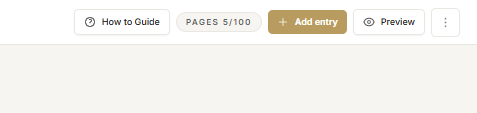
- or select ’+ Add entry’ from the top right of the ribbon.
Select an entry prompt
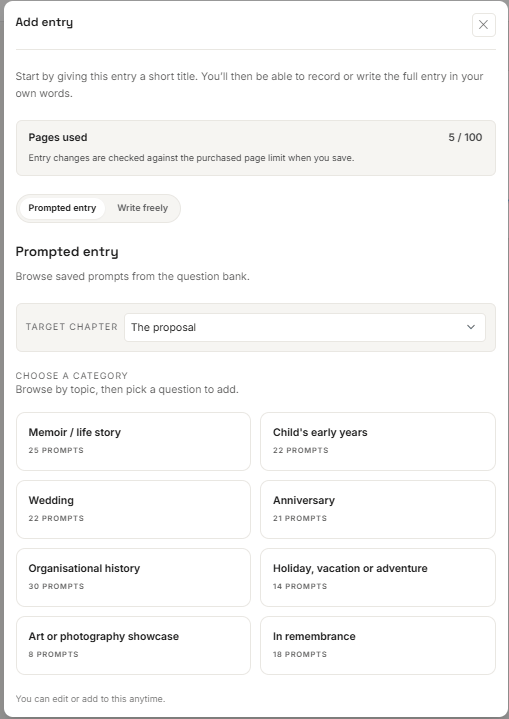
Select prompts from the relevant book category. You can select more than one prompt /question. Then select ‘Insert selected’. The prompts/questions become your entry title/s. Entry titles can be changed at any time before printing your book.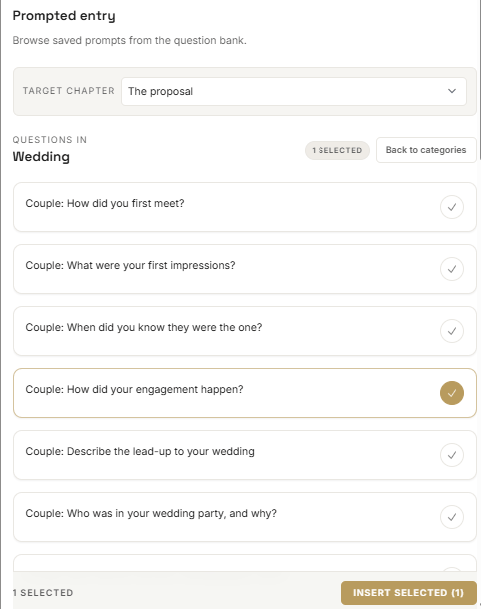
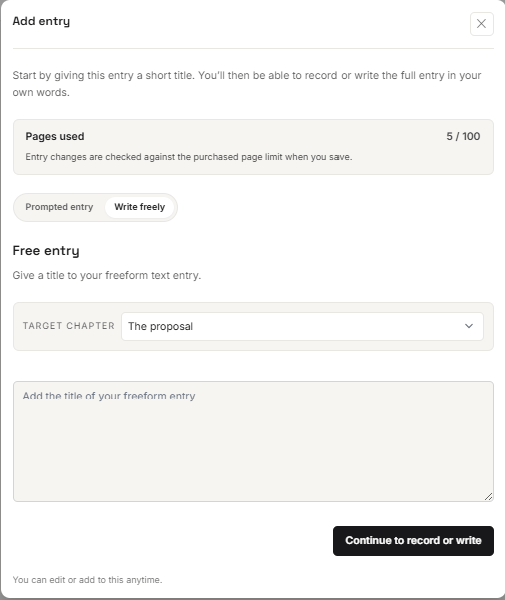
or write your entry title
Create your own entry title by selecting ‘Write freely’ and then adding the title of your entry, then select ‘Continue to record or write’. Entry titles can be changed at any time before printing your book.